





Routing a Groove in Wood with a Router—Here's How
Cutting a groove in the back panel, recessing the bottom, fitting a sliding dovetail batten: the groove is one of the most common tasks performed with a router. And it leaves little room for error: If the back panel fits too tightly, the carcass will bind during glue-up. If the groove is too wide, the component will wobble. Here you’ll learn about the different types of grooves, which router bit is best for each, how to control groove width and depth, and how to rout a groove step by step on the router table.

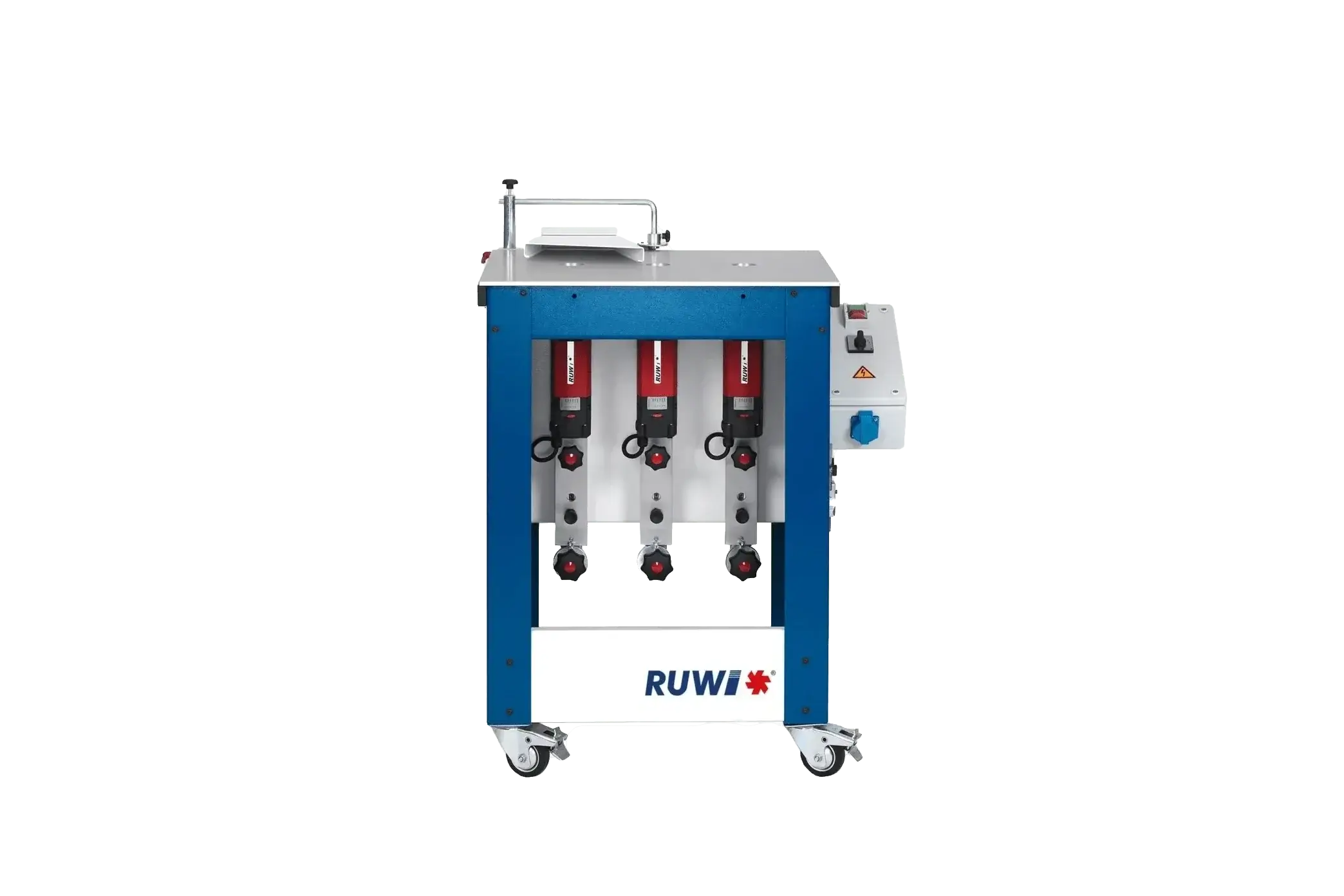
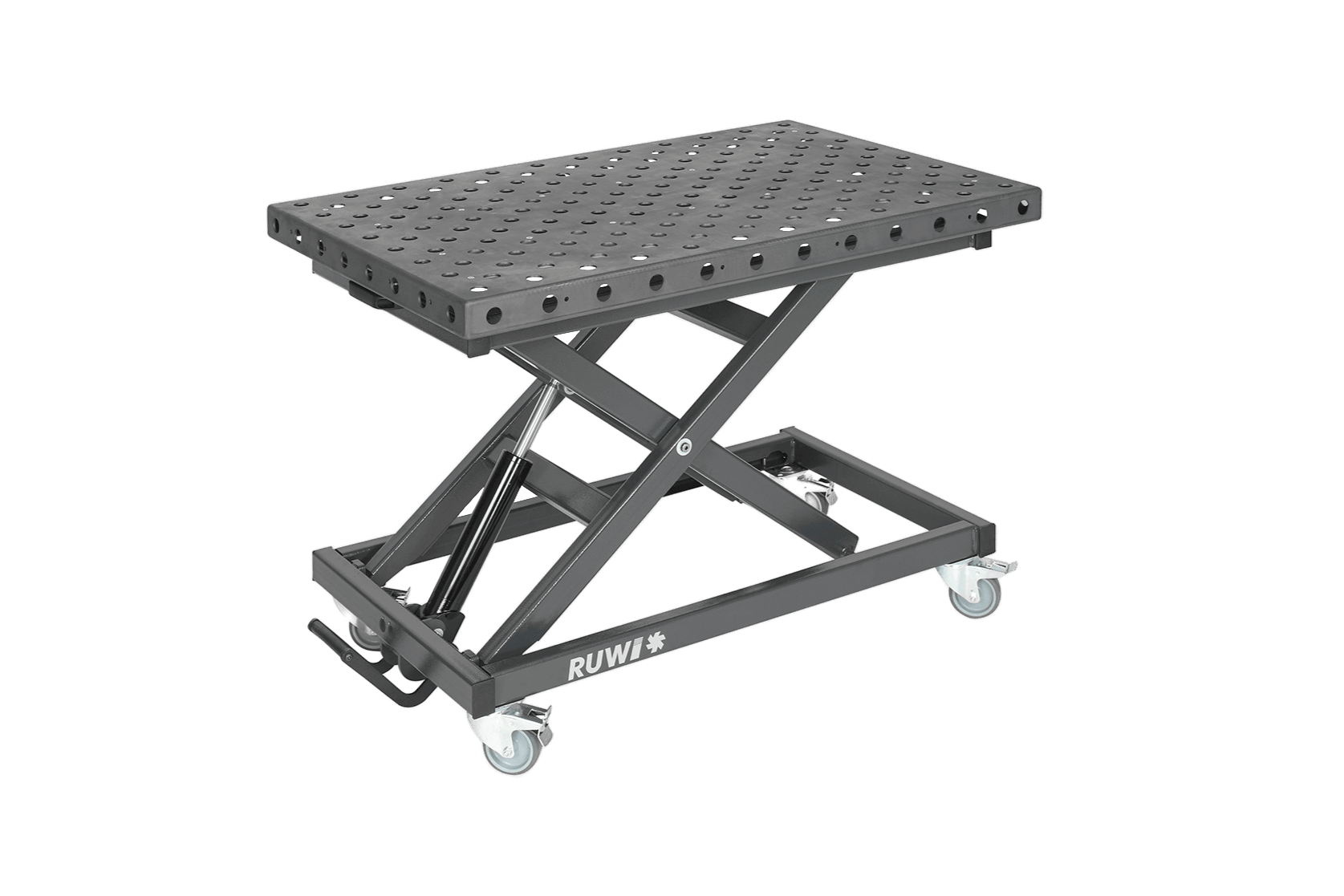
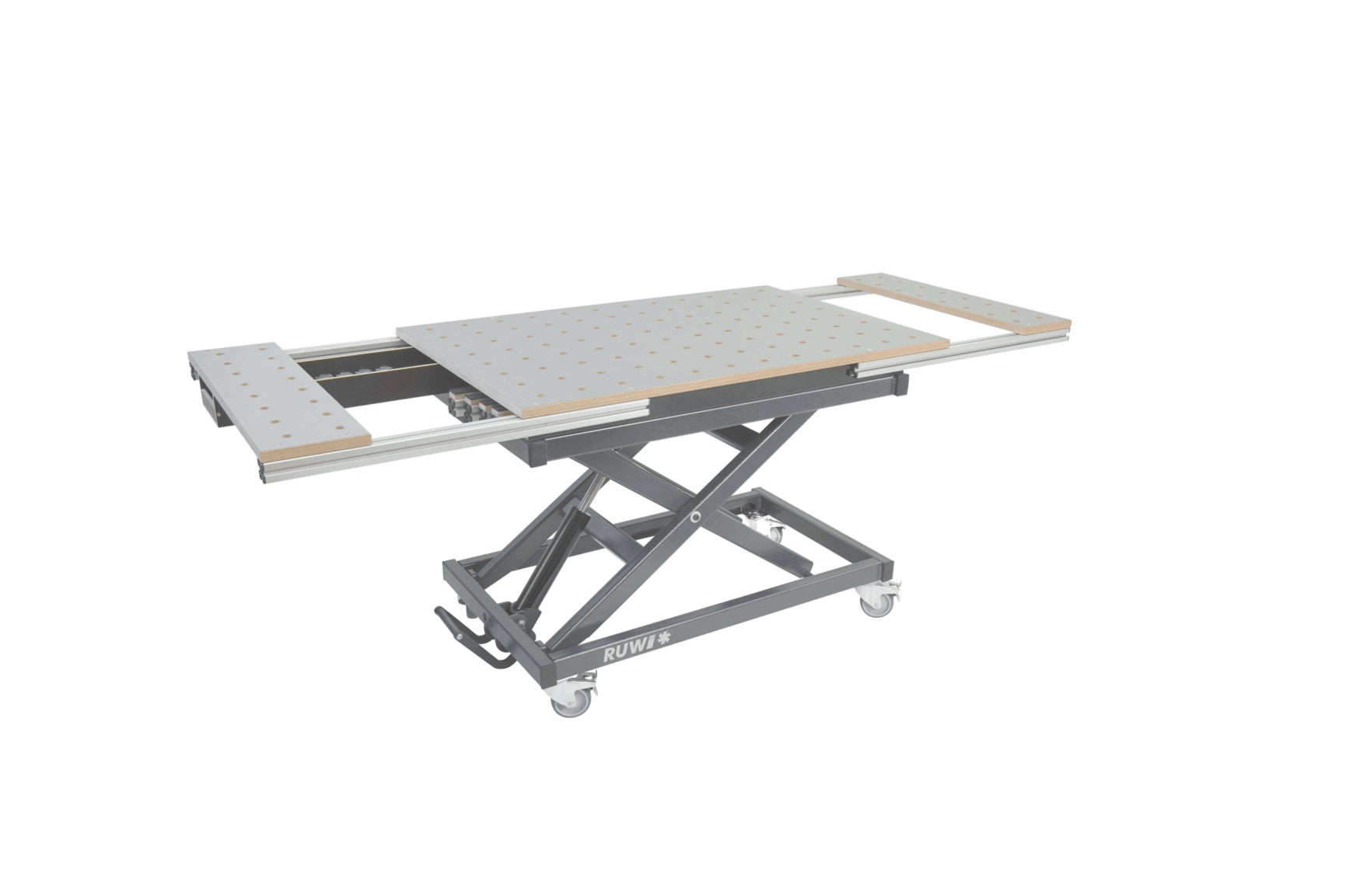
Routing a groove on the RUWI router table
Key Facts at a Glance
- Actual dimensions rather than nominal dimensions: Panel thicknesses may differ from the printed dimensions. Measure the component with a vernier caliper before determining the groove width.
- Width and Depth in Stages: If the groove is wider than the router bit, rout it in two passes and offset the fence. Rout deep grooves in multiple passes.
- Safety: When milling with manual feed in conventional milling, install the tool guard and connect dust extraction. Disconnect the machine from the power supply before changing the milling cutter.
Table of Contents
- Key Facts at a Glance
- What is a groove, and what types of grooves are there?
- Which cutter is right for which groove?
- Groove Width and Depth: Getting the Groove to Fit
- Instructions: Routing a Groove in Wood
- Which machine is best for which grooving job?
What is a groove, and what types of grooves are there?
A groove is an elongated recess in the workpiece: bounded on both sides by side walls and closed at the bottom. It accommodates a second component, such as a back panel, a drawer bottom, or a tongue. This should be distinguished from a rebate, which is a stepped recess at the edge of the workpiece that is open on two sides. Groove milling is a type of milling process and works the same way in panels as it does in beams.
The most important types of grooves in the workshop:
- Through groove: runs the full length of the workpiece, either perpendicular or parallel to the grain. The standard option for back panels and bottoms.
- Stopped groove: ends before the edge of the workpiece and remains hidden at the front edge, for example, on visible cabinet sides.
- Tongue and groove: used to join boards end-to-end, commonly found in profiled lumber and floorboards. The tongue is created as the mating piece by rebating the edge on both sides.
- Dovetail housing: a dovetail-shaped cross-section routed with a dovetail cutter. It holds a sliding dovetail batten in place via a form-fit and helps prevent warping of wide solid wood surfaces.
- Decorative grooves: V-grooves and coves are used to break up surfaces or emphasize joints without accommodating a structural element.
Which cutter is right for which groove?
Two tool families cover most grooving tasks:
- Shank groove cutters: rout grooves into the face. They are available in a wide range of shank and cutting edge diameters, with two, three, or more cutting edges, and can be face-cutting (with the end face ground) or flank-cutting.
- Slot cutters: rout grooves into the edge, guided by the bearing or the fence. Typical applications: back panel grooves in frames and grooves for biscuits.
In addition, there are the specialty cutters: T-slot cutters for T-nuts and keyhole hangers, V-groove cutters for lettering and decorative grooves, cove cutters for juice grooves and finger pulls, and dovetail cutters for dovetail housings.
For each tool, check three things: that the shank diameter matches your machine’s collet , the permissible speed of the milling cutter, and its suitability for the material. If you’re unsure which tool is right for your task, the Milling Tool Advisor will guide you to the right milling cutter in just a few questions.
Tip: Milling cutter sets from various manufacturers are often less expensive than tools purchased individually. Make sure the shank diameter and speed range are compatible.
Groove Width and Depth: Getting the Groove to Fit
The most common mistake when milling grooves occurs before the first chip is cut: The groove width is selected based on the panel's nominal dimension. However, panel materials often deviate from the printed dimensions. Therefore, measure the component that is to be inserted into the groove using a caliper and determine the groove width based on the actual measurement.
Routing a wide groove: in two passes
If the groove is wider than your router bit, rout it in two passes: first pass, then offset the fence by the remaining width and bring the groove to final size. On the router table, the fence holds the setting, so every groove in the series will be the same width. Perform a test cut on a scrap piece of the same thickness and check the fit before placing the workpiece on the table.
Routing a deep groove: in multiple passes
Deep grooves should not be routed to their final depth in a single pass, but rather in several passes. This reduces the load on the tool and motor and results in a cleaner cut surface.
Instructions: How to rout a groove in wood (6 steps)
Here's how to rout a through groove into a wooden panel on the router table with a shank groove cutter.
Step 1: Choose the right cutter
Choose a groove cutter that produces the measured groove width and the desired depth, or plan for a second pass right from the start. Pay attention to the shank diameter, maximum speed, and suitability for your material.

Tool compartment with various groove cutters

Groove Cutters in Use
Step 2: Set up the milling cutter on the machine
- Unplug the router: Pull the plug—don't just turn it off.
- Open the spindle housing: Hold the spindle with an open-end wrench, loosen the collet nut, or use the spindle lock.
- Insert the cutter into the clean collet up to the mark.
- Tighten the clamping nut securely and check that the cutter is firmly in place.
- Only then will the machine be reconnected to the power grid.

Shank groove cutter ready for clamping

Tightening the collet
Step 3: Adjust the stop jaws
Loosen the fence faces on the fence and adjust them so that the workpiece is guided without too much play. Then slide the fence to the desired distance between the groove and the workpiece edge and lock it. This guides the workpiece and reduces the risk of it tipping over or getting caught.

Secure the positioned fence face
Step 4: Adjust the cutter height
Mark the desired groove depth on the workpiece or use a depth gauge and adjust the milling cutter accordingly. Rout deep grooves in several passes (see above). Always perform a test cut on a scrap piece before cutting the workpiece.

Adjusting the cutter depth on the workpiece
Step 5: Routing the groove in the wood
Put on the tool guard and connect a dust extraction system; you can read about the role that dust class M plays in this process in the article “Extracting Wood Dust.” Wear your PPE (safety glasses, ear protection, dust mask) and keep your hands and fingers away from the danger zone.
Guide the workpiece along the fence at a steady pace, in the opposite direction—that is, against the direction of rotation of the milling cutter: This way, the cutting force acts against your thrust direction, and you maintain control over the workpiece. When moving in the same direction as the cutter, the tool pulls the workpiece toward it. Too low a feed rate leads to burn marks; too high a feed rate strains the tool and motor and can cause gouges or tears. To keep the workpiece lying flat, you can attach a hold-down or a wooden strip to the fence faces.

Starting the groove at the fence

Routing the groove at a steady feed rate
Step 6: Check the fit
Check the groove on the test piece for fit and surface finish: Does the component fit without jamming or wobbling? Adjust the settings as needed, and then rout the workpiece. With the measured actual dimensions, a test milling, and a fixed fence, you’ll get consistently well-fitting grooves.

The finished groove
Which machine is best for which grooving job?
As a rule of thumb: For small and medium-sized workpieces, you move them across the machine; for large ones, you move the machine across the workpiece.
- Router table: repeatable grooves and series work using the fence, with a clear view of the tool.
- Handheld router: the workpiece remains in place. For large panels, beams, and stopped grooves using a template or parallel fence.
- Biscuit joiner (often called a groove cutter): cuts short edge grooves for biscuit joints.
- Spindle moulder: long grooves in solid wood and large cross-sections.
- Circular saw: continuous longitudinal grooves created in several parallel cuts; the milled bottom of the groove is cleaner.
- CNC milling machine: series work and stopped grooves in panel materials.
For most grooves in the workshop, the router remains the tool of choice: You determine the width with the second pass, the depth with the step-down, and the bottom of the groove comes out clean from the machine.


