



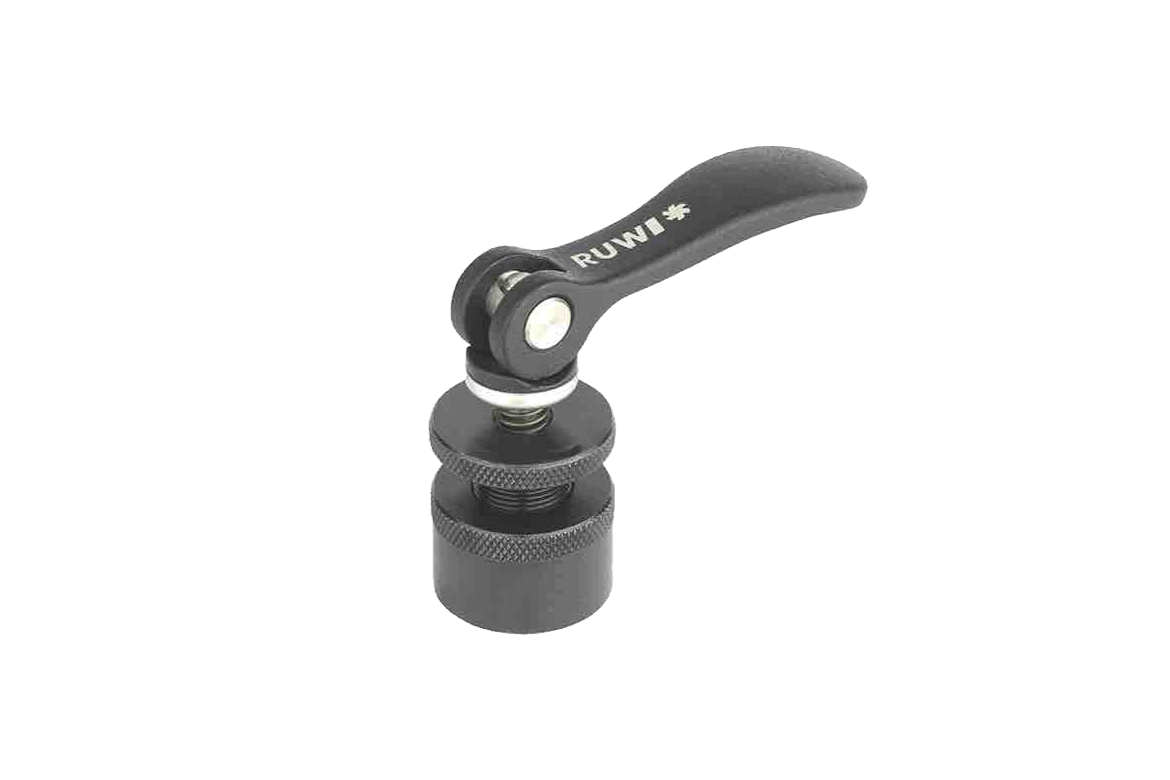
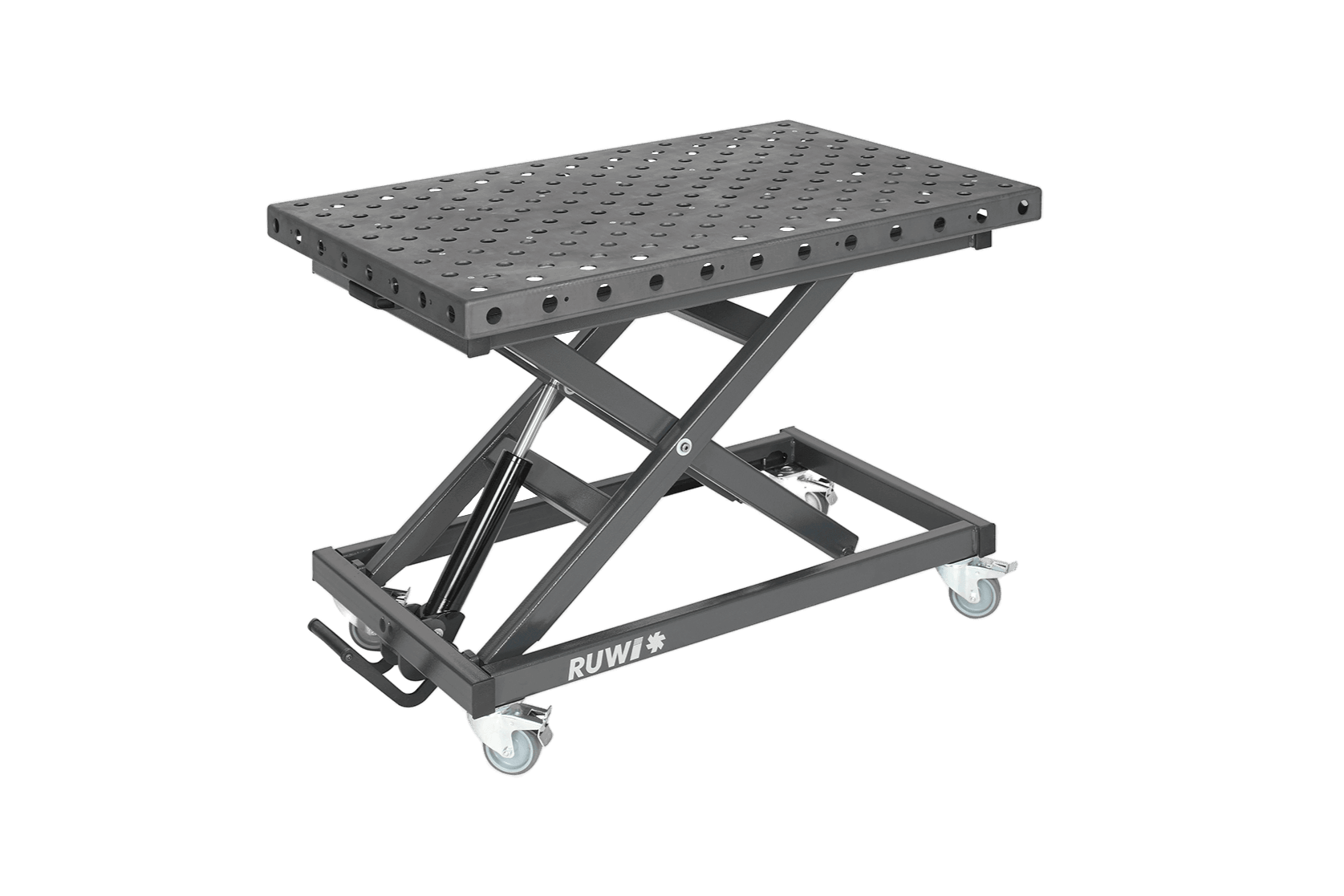
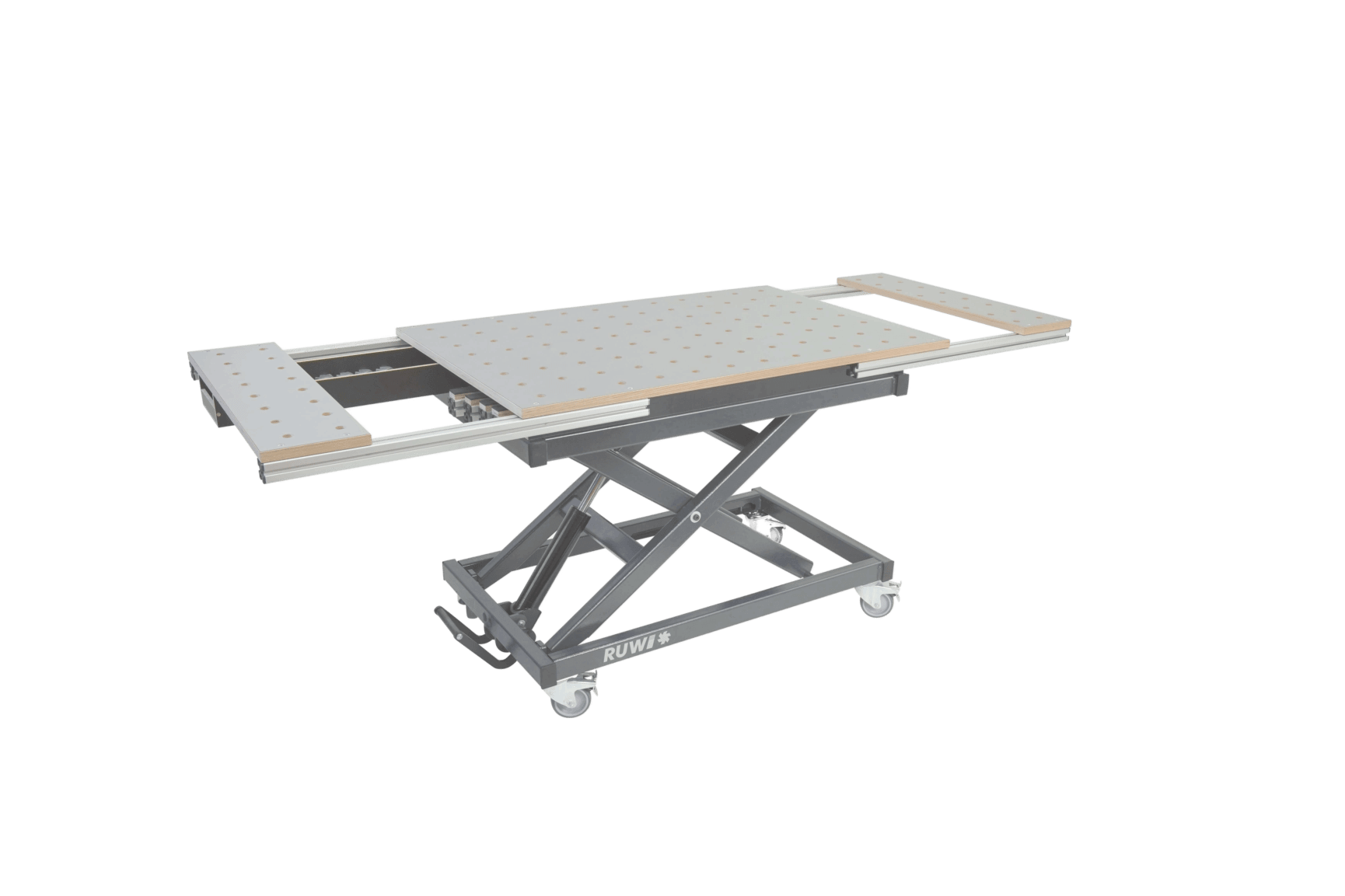


lifting table in 3D based on our CAD data
lifting table rotate freely
RUWI Clamping Workshop: your table, your clamps, and finally the price list—all in 3D based on our CAD data.
How tall are you?
You're about to set your size—the CAD models are loading.
The Spann workshop isn't running on this device right now. Contact us directly: Workshop Chat or +49 7402 8414.
Why?
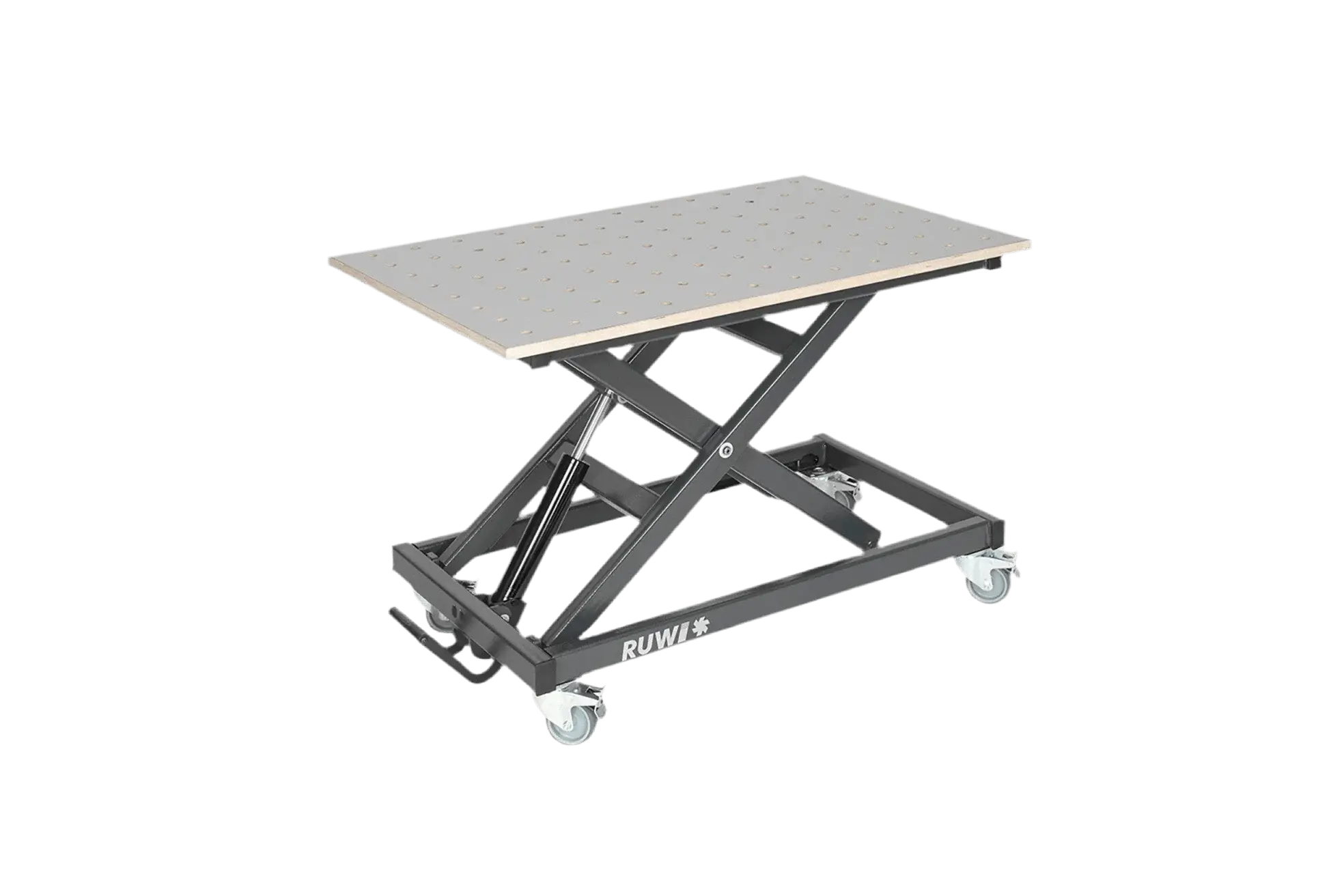
"Too low" means working in a hunched-over position. The RUWI lifting table Premium adjusts from 570 to 1,170 mm until the work is positioned exactly where your arms need it. No video: The table, scissor frame, and every clamp are calculated from our CAD files. The carpenter is a scale model based on body proportions, with the tilt calculated for the model. If the table is too low, he bends his knees before his back curves further, just like in real life. Red indicates 60° or higher—the angle at which ISO 11226 no longer considers the torso to be tilted.
What are you doing?
Parts for this project–
Start working on a project.
Why this amount?
A rule of thumb from ergonomics according to Grandjean (not a measured value): light work should be performed 10 to 15 cm below the elbow; work requiring downward force should be performed 15 to 40 cm below the elbow. The specific distance we choose for each task is based on our own judgment.
Which table?
View it in your workshop, at actual size
Price and Delivery Time in the StoreView the table in the store
Compare Two Tables
Why?
That's how it is.
Step-by-Step Setup
Or tap the image. The red circle indicates the hole.
Your workpiece, your dimensions
Why is that?
Your list.
On this list:
For each part, the largest quantity counts—calculated for one job at a time, not for all of them at once.