





Flat Milling with a Router
The plank is wider than the jointer, the tree slice doesn’t fit into any thickness planer, and the epoxy resin table doesn’t belong in the planer: That’s where face milling with a router comes in—also known as jointing with a router. A face milling jig guides the machine in passes over the clamped workpiece until the surface is flat. Here you’ll learn which face milling cutter is right for the job, what matters when setting up the jig, and how to achieve a flat surface step by step. For standard pieces, the planer and thicknesser remain the faster option; face milling really comes into its own for anything that’s too wide, too delicate, or too valuable for the planer.

Flat Milling a Beam with a Router

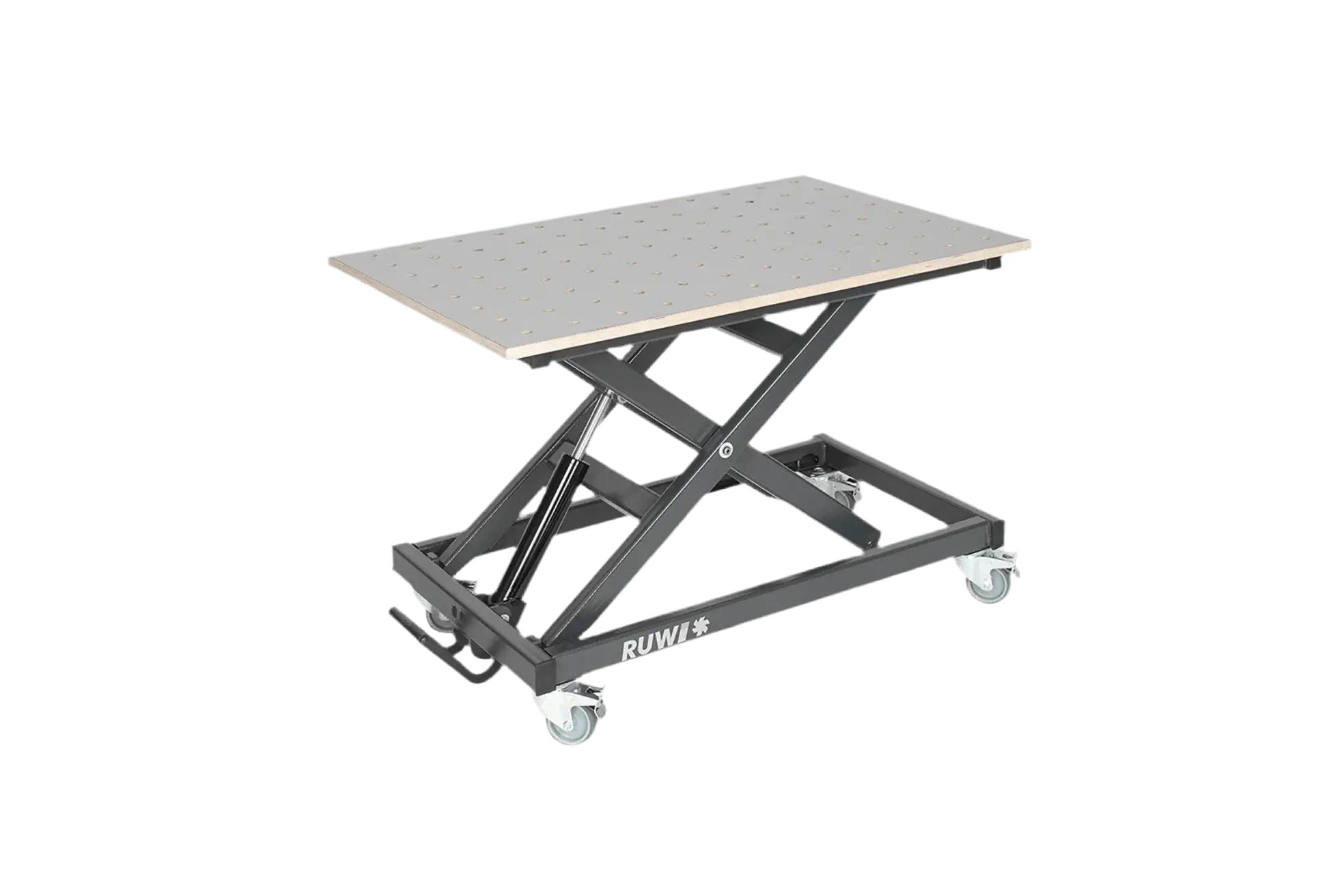
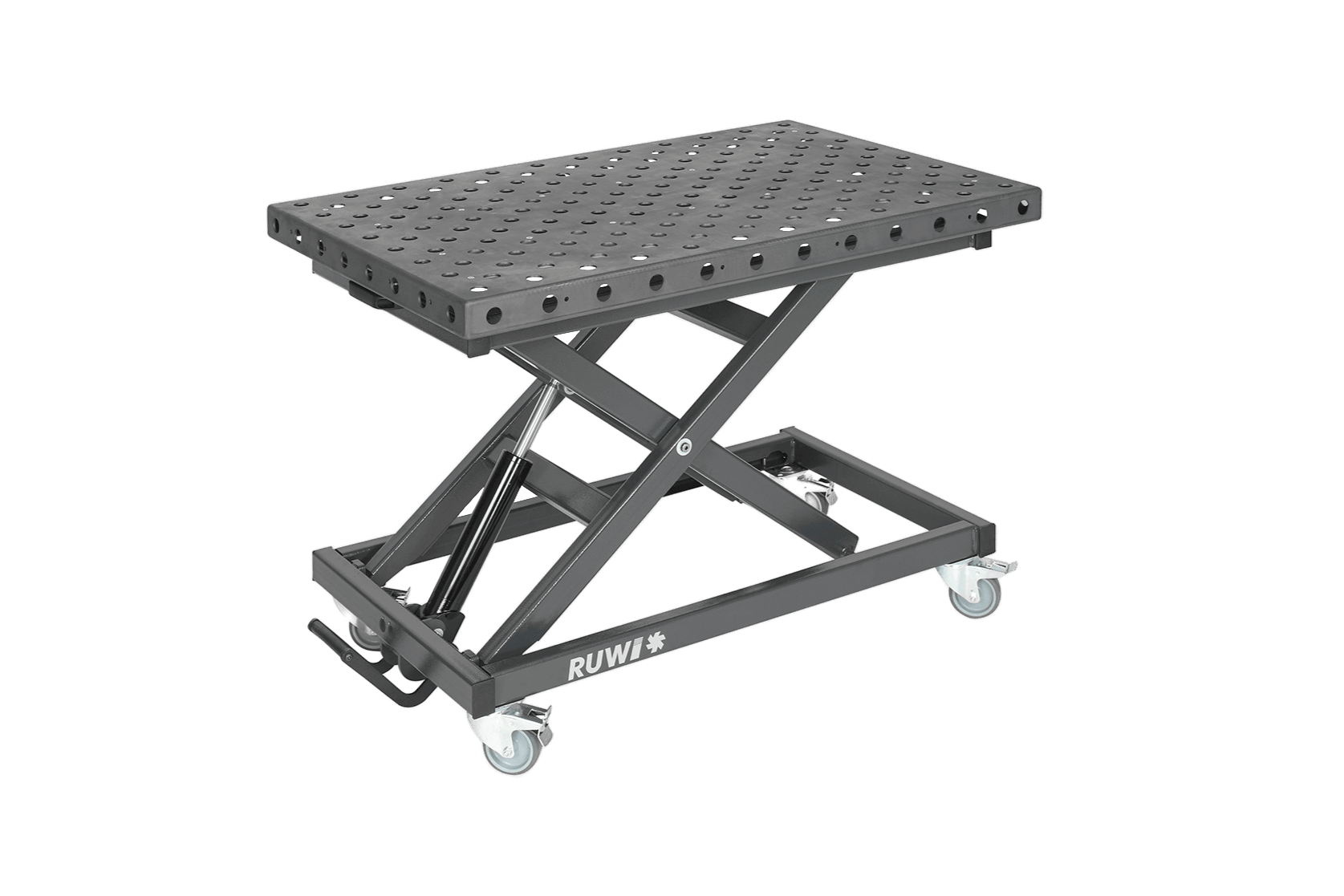
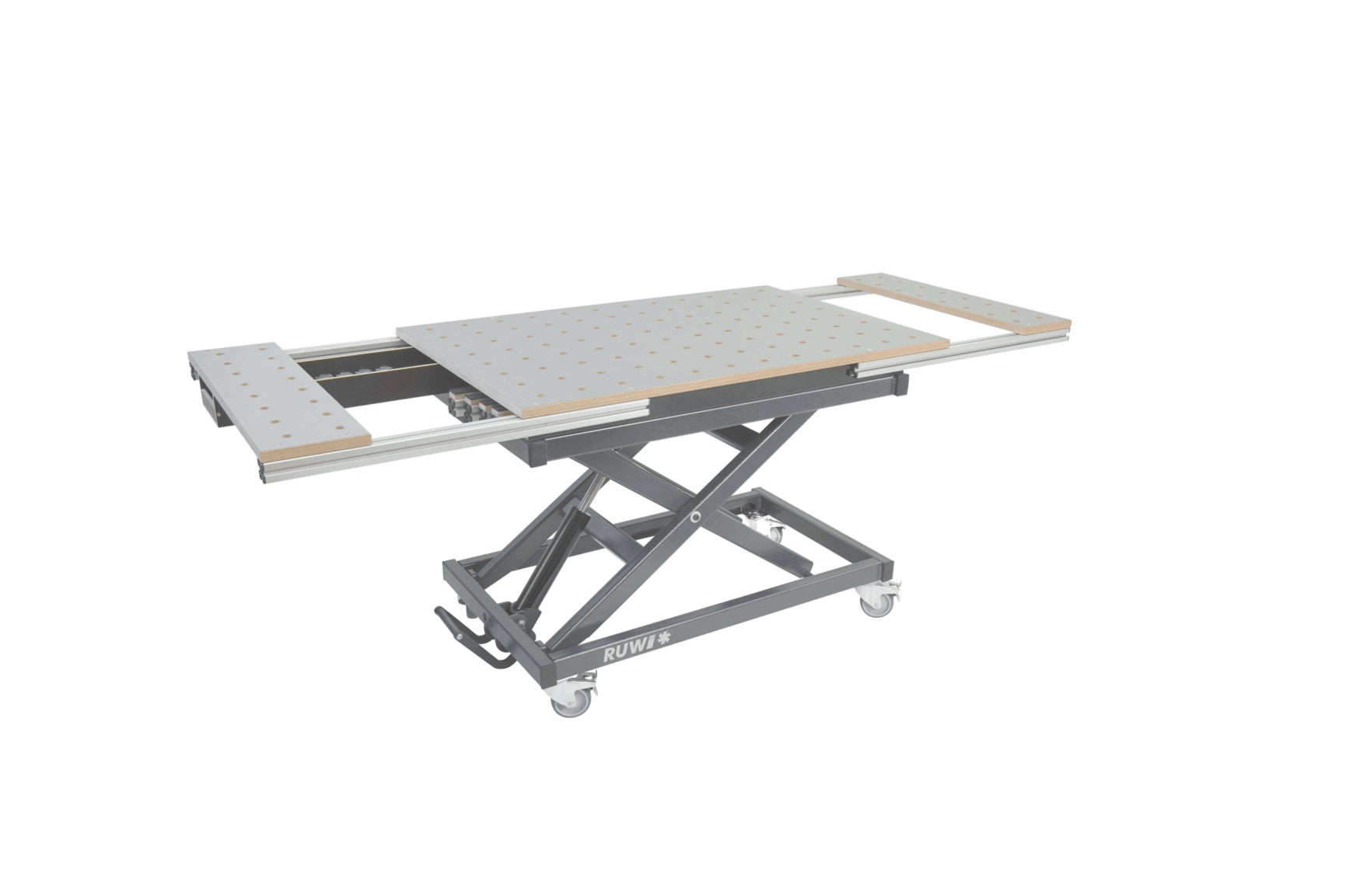
Face Milling on the RUWI lifting table
Table of Contents
- How does face milling work?
- Preparation
- Instructions
- Machine Selection
- Tool Selection
- Face Milling Fixtures
- FAQ
Key Facts at a Glance
- Use conventional milling when guiding by hand: In climb milling, the machine pulls itself forward.
- Adjust in stages: 2 to 3 mm per pass, starting at the highest point.
- The diameter determines the speed: The larger the face mill, the slower it runs. The specification on the face mill is the determining factor.
- Face milling creates dust: Connect the dust collection system and wear a dust mask.
How can I use a router to plane a surface?
In surface planing, the top surface of a wooden workpiece is machined using a router and a face milling bit to make it smooth and flat. This is an alternative to using a surface planer or a planer, especially for larger workpieces such as tree discs, epoxy resin tables, or solid wood panels. End-grain surfaces, such as tree slices, should not be run through a thickness planer; in these cases, face milling is the method of choice.

Finished workpiece after face milling
Preparation: What do I need for face milling?
To ensure that your face milling goes smoothly, you should not only set aside some time for preparation but also have the necessary materials and tools on hand. The following list will give you a general idea:
List of Materials
- Workpiece (for example, a solid wood cutting board, a tree slice, or an epoxy resin table)
- Vacuum cleaner or extraction system
- Dust mask and safety goggles
- Sturdy work table or workbench
Tools
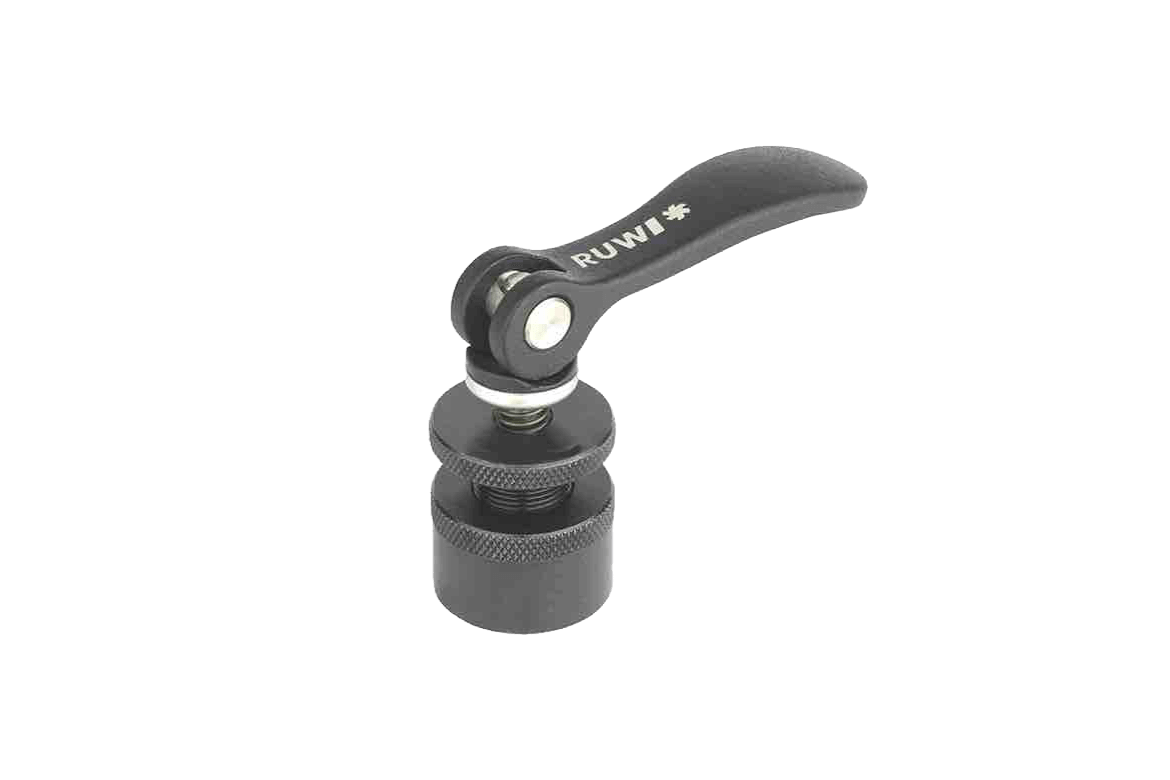
- Hold-down clamps or positioning aids
- Face mill (appropriate diameter)
- Face Milling Device
- Handheld router with speed control or drive unit (router motor)
Instructions: Face Milling with a Router
Here, we'll show you step by step how to plane uneven solid wood workpieces. Using a router, a suitable bit, and a planing jig, you can achieve consistently flat surfaces.
Step 1: Selecting Tools
Choose a router and a cutting tool that are suitable for your project and material. Commonly used face mills have two or three cutting edges; you can find the standard diameters and corresponding RPMs below in the tool selection. One face milling jig we recommend is the SlabMatrix from sautershop.

Festool Router in Detail
Are you looking for a sturdy, height-adjustable base for your face milling setup? The RUWI lifting tables (up to 400 kg load capacity) fit underneath.
Step 2: Prepare the machine and tool
Check the router and router bit for damage or wear. Unplug the machine before changing the router bit. Insert the face mill into the collet at least up to the mark and tighten it securely. Make sure the set speed does not exceed the router bit’s maximum allowable speed. Then attach the machine to your face milling jig, if provided.
Note: Caution—sharp tool edges. Wear gloves during assembly; do not wear them while the machine is running.
Step 3: Prepare the face milling fixture
Make sure your face milling jig is securely mounted on the work surface. Check the height and alignment so that the router maintains the desired milling depth as it glides over the workpiece. Remove dust and debris from the guides. If your jig is adjustable, adjust it to fit the size of the workpiece. A properly adjusted jig runs smoothly and removes material evenly.

Facing a tree slice with clamping devices
Step 4: Prepare the workpiece
Use a sturdy workbench and, if necessary, a non-slip mat. Align the workpiece and shim it if it wobbles. Clamp it securely using clamps, clamping jaws, or eccentric clamps. If working with reclaimed wood, check for nails, screws, or other foreign objects to prevent damage and safety hazards.

Height Adjustment of the Router on the SlabMatrix
Step 5: Planing the wood
Start at the highest point of your workpiece. Move the router in straight lines at a steady pace, using conventional milling—that is, against the direction of the router bit’s rotation: In climb milling, the machine will pull itself forward and you’ll lose control. If a section has already been planed, lower the router bit by 2 to 3 mm and continue until the entire surface is flat. Do not remove too much material in a single pass, so as not to overload the machine.

Dust Extraction During Face Milling
Note: Planing generates a lot of wood dust. Connect a dust extraction system and wear a dust mask; to learn more about the role of dust class M in this context, read the article “Extracting Wood Dust.”
Step 6: Finishing the Wood
Check the surface for milling marks and any irregularities. Then sand it with 100- to 150-grit sandpaper, followed by 220-grit or finer. Thoroughly remove the sanding dust before treating the surface with oil, wax, varnish, or stain. This will provide the workpiece with the necessary protection.
Machine Selection
Two types of drive systems have become standard in face milling:
- Handheld router: handles most routing tasks. Speed control is important for face routing: large face cutters require low speeds (see tool selection).
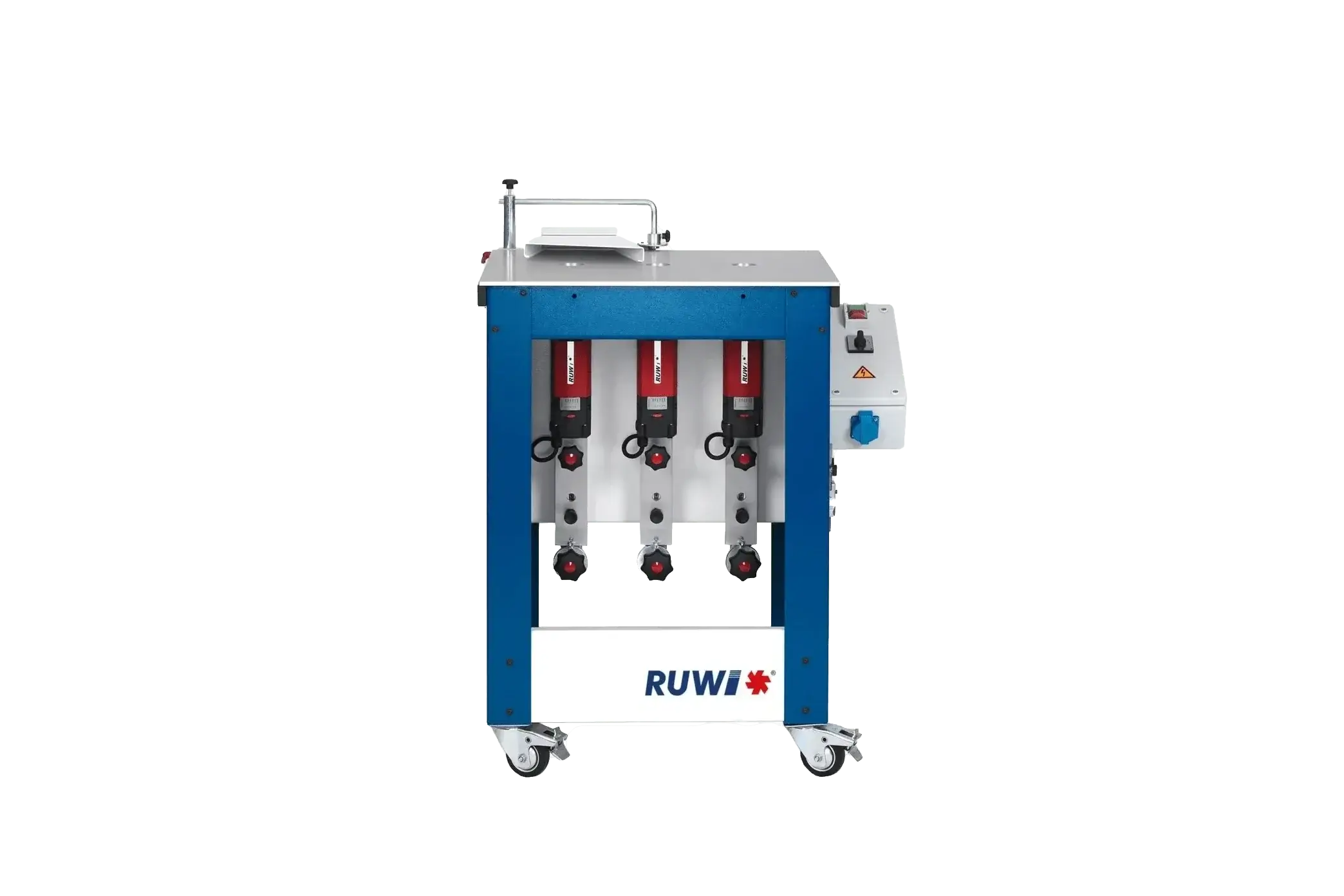
- Drive units (router motors): compact motor units without their own height adjustment; this is handled by the face milling device. The RUWI drive unit (1,050 W) regulates continuously from 8,000 to 25,000 rpm, thereby also covering the low speeds of large face milling cutters.

RUWI Drive Unit (Router Motor) in Detail
Tool Selection
- Two or more cutting edges: Fewer cutting edges are suitable for moderate material removal, while more cutting edges are better for large surfaces and fast work.
- Fixed-blade cutters or indexable-insert cutters: Fixed-blade carbide cutting edges are often less expensive, but must be sent out for sharpening. Indexable-insert cutters allow for easy rotation or replacement of worn cutting edges; the diameter remains the same.
- Shank diameter: Common sizes are 8 mm, 10 mm, and 12 mm. Make sure it's compatible with your router.
- tool diameter: Fixed-tooth face mills are available in diameters ranging from approximately 19 to 50 mm, while indexable-insert versions are available up to a diameter of 59 mm. The larger the diameter, the more power the machine requires, and the lower the permissible speed.
For reference, according to the manufacturer's specifications: Up to approximately Ø 30 mm, about 24,000 rpm are permitted; from Ø 31 to 50 mm, about 18,000 rpm; and above that, about 16,000 rpm. The maximum speed indicated on the milling cutter is always the determining factor.
Face Milling Fixtures
The device determines the result: It guides the router in a single plane across the workpiece, and any flaw in the guide will show up as a groove in the wood. What matters when choosing one:
- Stiffness: If the bridge bends under the weight of the machine, a groove forms in each pass. Sturdy profiles and steel are superior to thin aluminum profiles.
- Backlash-free guides: Roller or ball guides with no backlash. Any backlash in the guide will later be visible on the surface.
- Height adjustment: precise and repeatable, allowing you to adjust in increments of 2 to 3 mm.
- Work area: Must accommodate the largest workpiece. Expandable systems grow with the tasks at hand.
- Dust extraction: A vacuum adapter and a guided hose, because face milling generates a lot of dust.
- Setup and Teardown: A collapsible device saves space between uses.
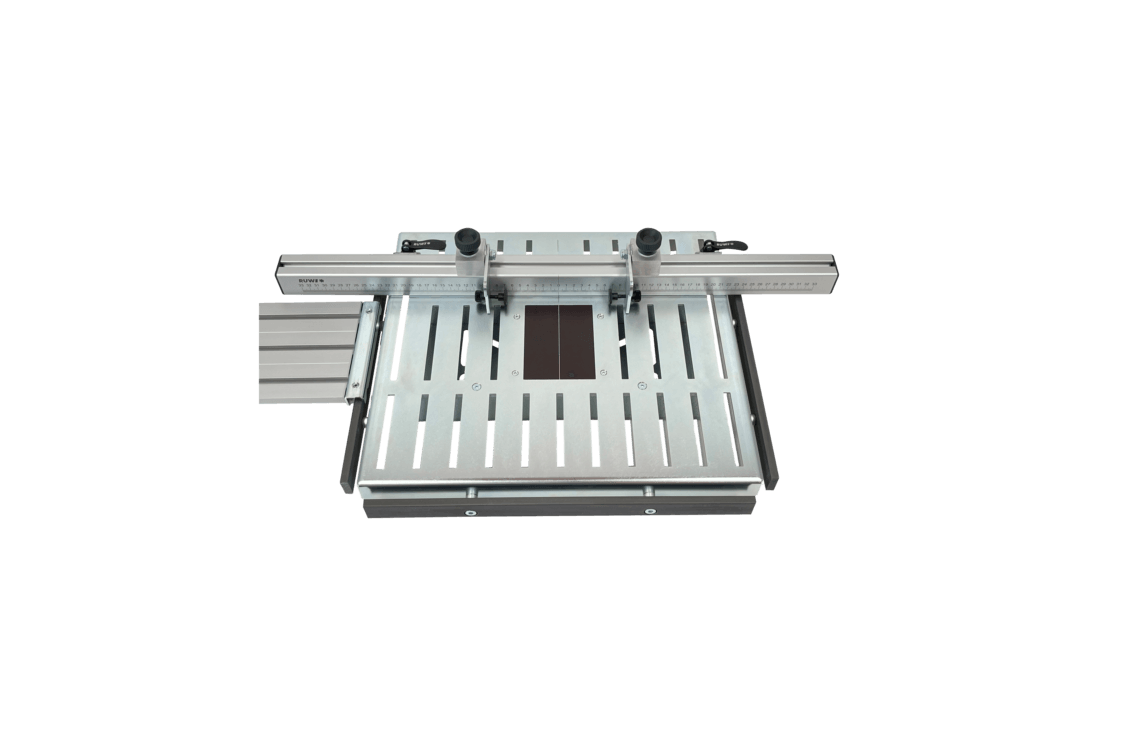
The SlabMatrix we recommend is available in four sizes: from the Mini for cutting boards (workpieces up to 710 × 400 mm) to the Pro XL for slabs up to 1,600 × 1,580 mm. In addition to the surface, Basic and Pro models can also mill shapes and pockets; the Pro models also feature a hole grid in System 32.
Many workshops build the fixture themselves. This works, and the criteria listed above apply just as much: Rigidity and play-free guidance determine whether the homemade fixture can compete with a store-bought system.

SlabMatrix at the RUWI lifting table
Fundamentals and Terminology: Face Milling
FAQ
Which router is suitable for face milling?
A router suitable for face milling should be powerful enough to drive larger face milling cutters, have precise depth adjustment, and be able to reduce the speed to a level suitable for large face milling cutters (see Tool Selection). Ergonomic design and effective dust extraction improve working comfort.
How can I prevent tear-outs during face milling?
Route preferably along the grain of the wood, use a sharp router bit, and adjust the speed accordingly. If necessary, place a splinter block to support the exit edge. This will minimize unsightly tear-outs.
Do I need a special face milling fixture?
Yes. Only a jig keeps the router in a consistent plane; if you work freehand, the surface won't be flat. A good jig also minimizes vibrations and misalignment.


